Your users are already on Arm – is your software targeting it?
As a developer, you usually start with what you’re actually building: a mobile app, cloud workload, game, or an AI feature and your immediate focus is the framework, engine, model, or service you are using.
But once that software reaches real users, something else starts to matter — the architecture it runs on. It influences how quickly your app responds, how efficiently your cloud workload runs, how smoothly your game performs, and how well your AI features behave on the device.
With 99% of smartphones running on Arm, around 50% of Arm-based compute shipped to leading hyperscalers, and more than 350 billion Arm-based chips shipped to date, the Arm architecture already powers many of the platforms developers build for every day.
So, whether you are building for cloud, games, or apps with on-device AI, your software may already run on the Arm compute platform without being deliberately optimized for it. As AI workloads increasingly run across cloud infrastructure and devices, the next step includes identifying the Arm-based device or cloud instance your workload runs on, then test its compatibility and performance in that environment.
How architecture shapes the workload
Arm’s ubiquity is reflected in an ecosystem developers already use every day: Arm-based cloud infrastructure from AWS, Google Cloud, Microsoft Azure, and Oracle Cloud Infrastructure; AI frameworks and runtimes such as LiteRT, llama.cpp, MediaPipe and ONNX Runtime; and game-development workflows involving Unreal Engine and Epic Games.
That means, once software reaches real devices and infrastructure, the architecture affects practical development outcomes such as whether the software builds and runs correctly, how efficiently it performs, what it costs to operate in the cloud, and whether performance can be sustained on a device without excessive heat, power use, or memory pressure.
This pattern is similar across various workloads:
- Apps need native support, optimized libraries, profiling, and testing on representative devices.
- Cloud workloads need benchmarking, dependency checks, container readiness, and configuration data.
- Games need frame analysis, GPU workload visibility, memory-bandwidth checks, and sustained-performance testing.
Cloud and AI workloads
For cloud services, AI workloads, data pipelines, and performance-sensitive applications, the architecture shapes how the workload behaves across the infrastructure underneath it. Arm now reaches cloud infrastructure through a broader compute platform, from IP and Arm Compute Subsystems (CSS) used in partner-designed processors to Arm production-ready silicon, the Arm AGI CPU.
The Arm Neoverse CSS N4 offers another way to build Arm-based infrastructure for scale-out workloads, alongside the growing range of Arm-based processors and cloud instances already available. That means you can continue building through the operating systems, containers, libraries, and cloud services already in your workflow.
These different routes give cloud providers and system builders more ways to deploy Arm compute, while you can continue building through the operating systems, containers, libraries, and cloud services already in their workflow.
Arm-based instances are available across AWS, Google Cloud, Microsoft Azure, and Oracle Cloud Infrastructure, giving you a route to Arm across leading cloud environments. If you are starting a new service or migrating an existing workload, the next practical steps are to assess dependencies and container readiness, build a multi-architecture environment, and validate performance on the infrastructure you plan to use.
Migration tools can help identify compatibility issues and prepare CI/CD workflows. Once running, benchmarking tools such as Arm Performix can help provide insights into hotspots, memory usage, and CPU efficiency to guide optimization.
Games and graphics
For games and real-time 3D experiences, many players are likely to already be using Arm-powered smartphones, tablets, or gaming platforms. In those environments, performance depends on how frame rates, responsiveness, visual quality, heat, battery life, and sustained gameplay come together.
That makes mobile game performance optimization and profiling central to the development process. Frame pacing, thermal behavior, memory bandwidth, GPU workload, and longer-session performance all help connect what happens inside the game engine to what players experience on the device.
Developers can begin exploring these workflows through the open Arm Neural Graphics Development Kit, which includes Unreal Engine plugins, Vulkan ML tools, models, code samples, profiling tools, and technical guidance.
Neural graphics can improve visual quality and frame rates while reducing the rendering work needed to produce each frame. Techniques such as neural upscaling, denoising, and frame generation make it possible to create richer scenes and smoother experiences within mobile power and thermal limits.
Arm Neural Technology brings these capabilities into mobile graphics workflows, while Neural Dawn – created by Arm and Sumo Digital using Unreal Engine – shows them working in a production-quality game with MegaLights, ray-traced effects, and high-quality frame delivery. The latest Arm Mali G2-Ultra GPU takes this further with dedicated neural accelerators designed to run techniques such as neural super sampling, denoising, and frame generation directly on the GPU.
Apps and on-device AI
For apps, architecture is most visible in everyday interactions. It affects how quickly an app opens, how responsive it feels, how long the device lasts, and how fast AI-enabled features return a result. As apps add more on-device AI features for language, vision, voice, and image workloads, and begin coordinating more of these capabilities together, running AI efficiently on the CPU becomes an important part of the user experience.
This is because you can improve the speed and responsiveness of AI features through the models, frameworks, and runtimes you already use. On supported Armv9 devices, Arm Scalable Matrix Extension 2 (Arm SME2) accelerates the matrix-heavy operations behind language, vision, speech, and image workloads directly on the CPU, further helping reduce latency and power use.
Through Arm KleidiAI and integrations with XNNPACK, LiteRT, llama.cpp, MediaPipe, MNN, and ONNX Runtime, supported workloads can access SME2 acceleration through familiar software stacks. These capabilities also come together in Arm CSS for Mobile 2, which combines Arm CPU, GPU, System IP and software technologies for the next generation of mobile devices.
Start with where you’re targeting
If you are building cloud and AI workloads, games and graphics, or apps with on-device AI, Arm developer resources bring together the tools, learning paths, technical guides, and libraries that help you move from understanding the architecture to using it in your own workflow.
The Arm Developer Program also offers a broader entry point into the resources, technical guidance, and community available to developers building on Arm. For AI workloads, you can use the Arm AI Portal to discover AI models optimized for Arm, compare performance and accuracy data, and find code examples and deployment workflows for Arm-based platforms.
Catch the key announcements and themes from the Arm Create Shanghai 2026 keynote
If your users are on smartphones, cloud services, games, laptops, connected devices, or AI-enabled platforms, Arm is likely to be part of your software story. So, when you understand that connection, you can build, optimize, and scale easier and faster.
What are you targeting?
Choose the path closest to what you are working on and get to the Arm tools, learning paths, libraries, and technical guidance that fit your workflow.

Any re-use permitted for informational and non-commercial or personal use only.
Editorial Contact
Stay informed with Arm's top stories, insights, and conversations.


Latest on X

Headed to the #OCPGlobalSummit2026 next week? Make sure you have @awadmo 's keynote on your schedule!
As Agentic AI is changes the unit of scale in the data center - he'll explore why scaling this shift depends on open, interoperable infrastructure built for performance and

Meet @amazon's first-ever lineup of Alexa tablets! 📱
Built on Arm, the flagship 12 Pro features the @MediaTek Dimensity 8400 with Arm Cortex-A725 CPUs and Mali-G720 graphics, delivering performance and power efficiency for everyday experiences.
https://x.com/i/article/2108180370860425216
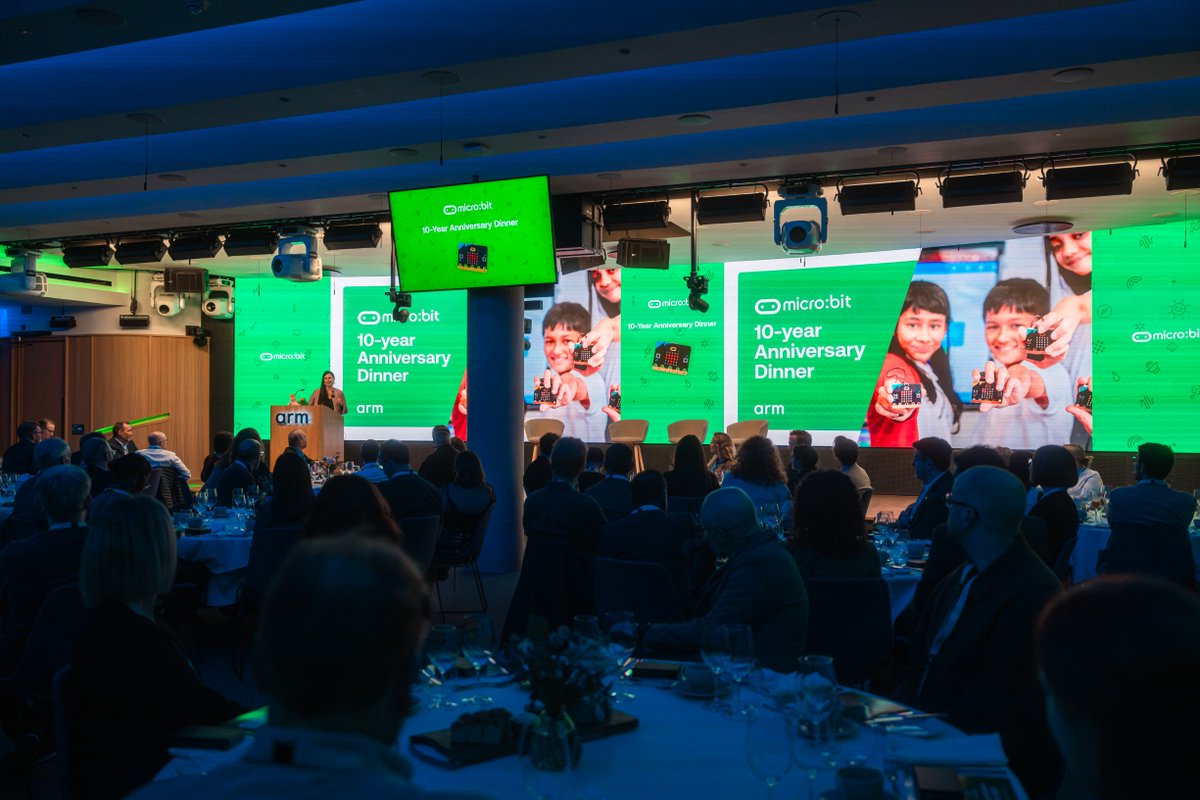
10 years of micro:bit! 🎉
From inspiring stories to hands-on demos and a little friendly duck-throwing competition, it was an evening full of fun!
We loved celebrating this milestone at our Cambridge office, alongside the micro:bit champions and partners who've helped make it



Moving a cloud-native app from x64 to Arm takes less than you might think. 👀
Multi-architecture containers make it possible to build for and deploy on Arm-based Microsoft @Azure Cobalt 200 with minimal changes.
Watch the demo to learn how!
https://okt.to/iLB29e

One compute platform. From the device in your hands to the cloud behind it. @ctbergey explores how Arm is enabling the future of hybrid intelligence. 👇

From cloud to PC: Arm is powering the next era of intelligent computing
We’re entering an exciting new chapter for Arm, not just in personal computing, but across the computing landscape...
okt.to
The next chapter of hybrid intelligence is taking shape on Arm.
Microsoft's new Surface PC featuring @NVIDIARTXSpark brings that vision one step closer, building on the same Arm compute platform that powers Azure Cobalt in the cloud.
It marks a new milestone for our
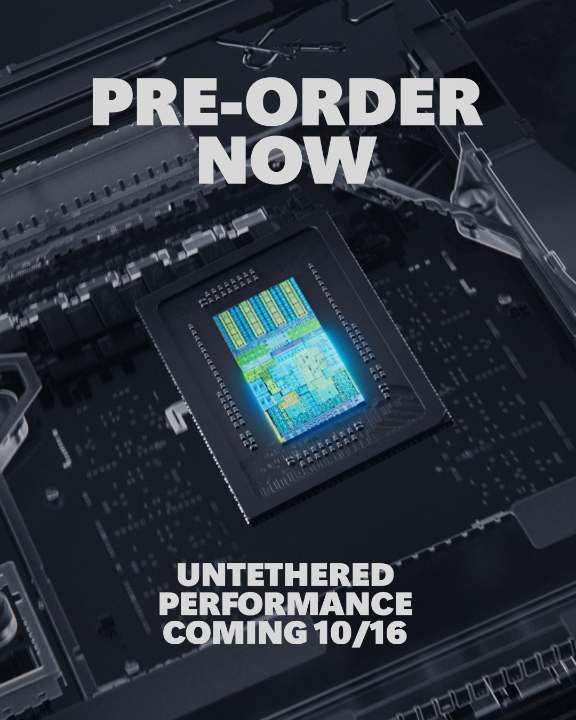
More power. More possibilities. More places to make it happen.
Meet the most advanced Windows laptops ever, powered by @NVIDIARTXSpark.
Available for pre-order now. https://msft.it/6018aol50
Video Credit: @BBC Tech Now
Technology restoring touch for amputees and those born without a limb today — and advancing what’s possible in robotics. 🦾
@paulcarterTV, @DOUBLExA and Arm’s @drewhenry explored the @PSYONICinc Ability Hand at our Cambridge office – and the